Adobe After Effects
Adobe After Effects Now.
Create amazing content!!
Create amazing digital content by curating compelling visuals, crafting engaging stories, and optimizing SEO to reach your target audience!
PROJECTS.
There are a plethora of projects you can create with Adobe After Effects, from simple motion graphics, to complex animations and visual effects.

Animations
Creating animations in Adobe After Effects is a fun and creative way to bring any project to life. After Effects combines motion graphics and visual effects to help you create amazing videos, images, and other content. With powerful animation tools and a robust timeline-based workflow, it's easy to customize and animate virtually anything with After Effects. Whether you're a beginner or a professional, you can use After Effects to make all kinds of animations in no time.
Visuals
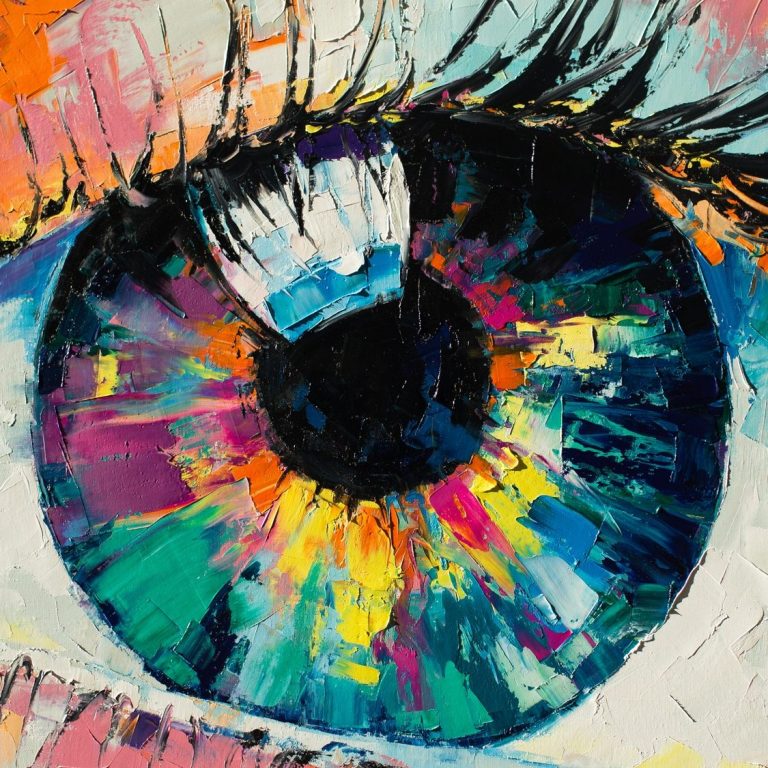
Adobe After Effects is a powerful software tool for creating stunning visuals and animations. With After Effects, you have so much flexibility to create unique shapes, and come up with great motion graphics, animations and other visual effects. After Effects allows you to work in 3D space, letting you bring even more life and realism to your creations. You can easily adjust parameters such as lighting, shadows, textures and more to create a professional grade product. With After Effects you can also add in audio, and sync it to the animations and visuals. Anyone looking to take their visuals up a notch should definitely consider using After Effects.

Elements
Creating elements in Adobe After Effects is a fairly easy and straightforward process. You can create 3D models, illustrations, titles, backgrounds, and more from scratch or from assets you create in other programs such as Photoshop or Illustrator. You can use keyframes to animate the elements you create and add effects to make them look more realistic or artistic. After Effects also allows for even more options with scripts, expressions, and masks, so you can customize the elements as much as you need.
GET IN TOUCH.
© Copyright. All rights reserved. Adobe After Effects Now